BLV Ender 3 Pro
Upgrade mod
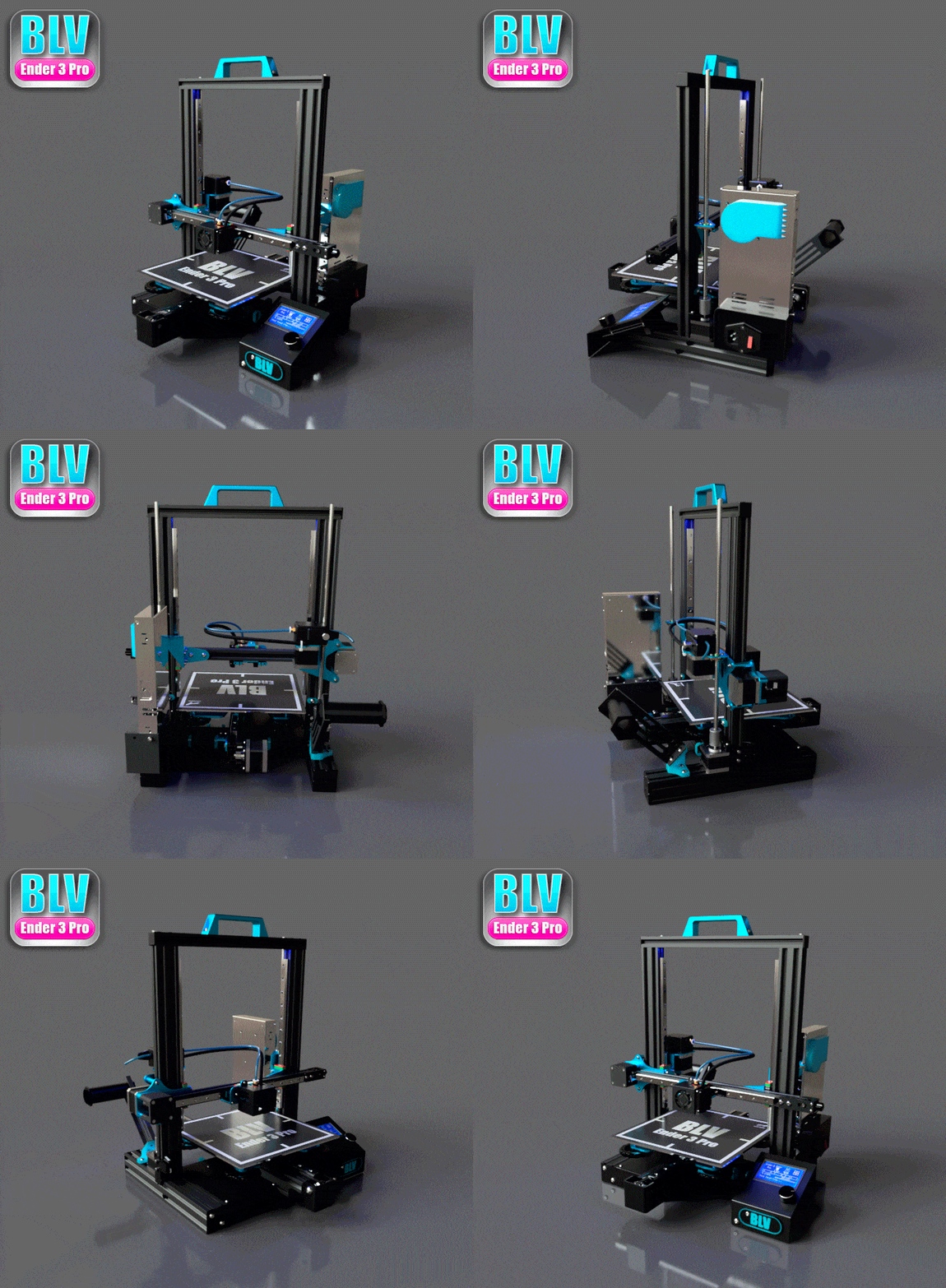
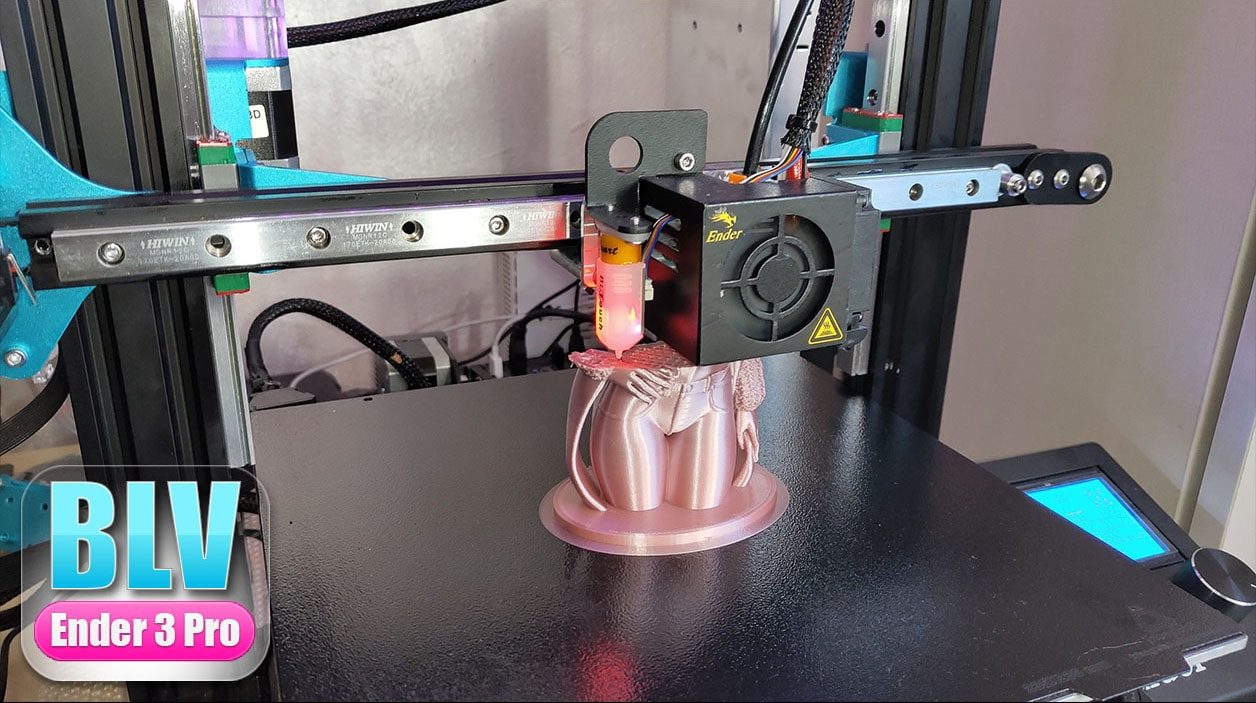
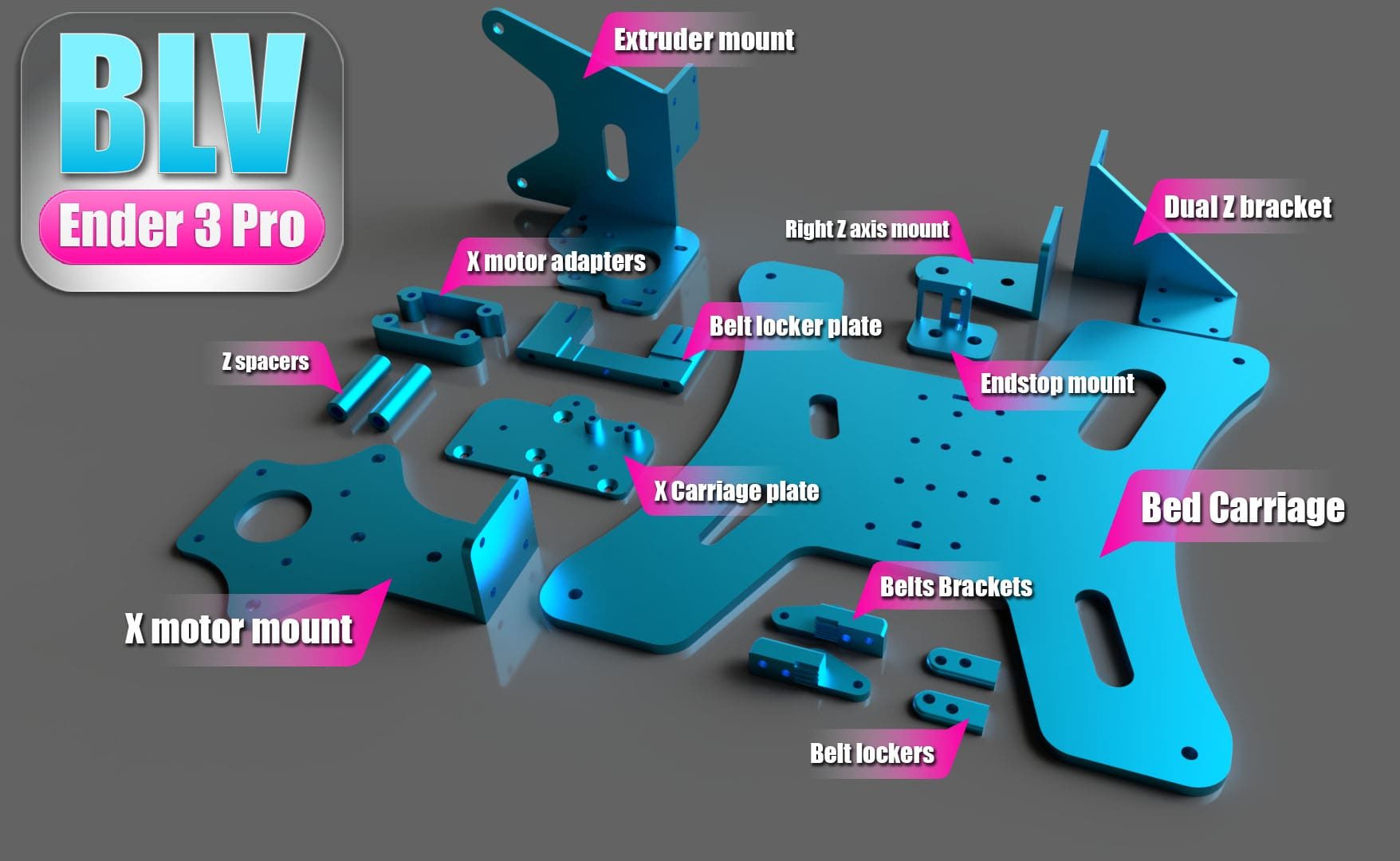
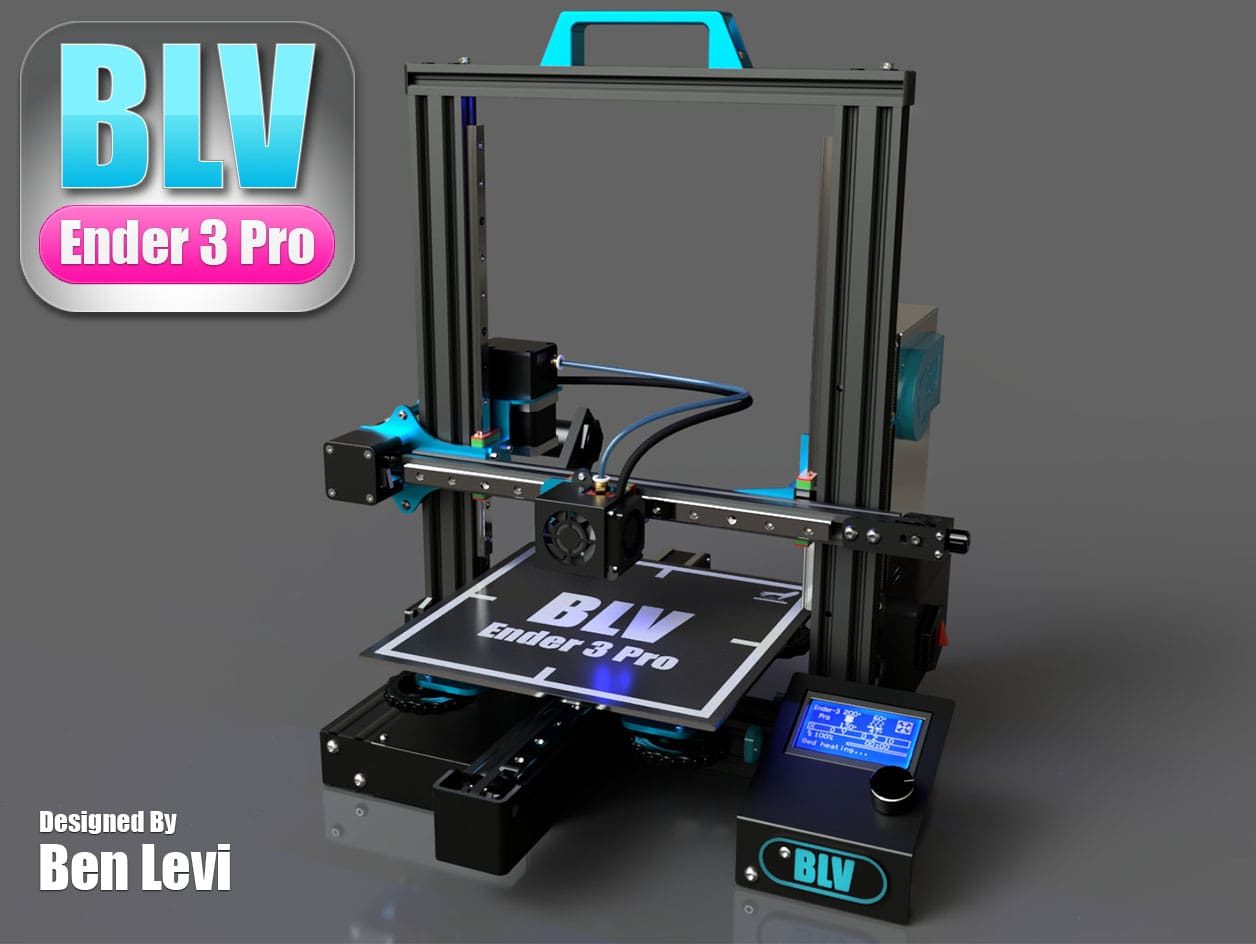
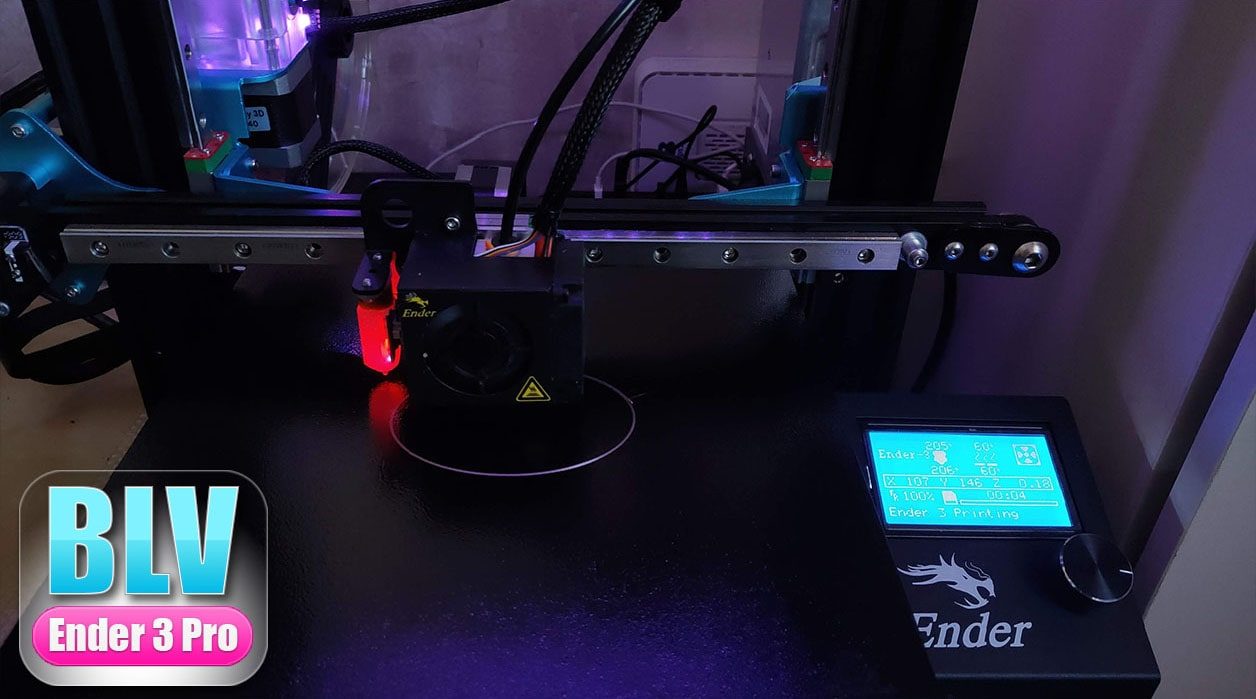
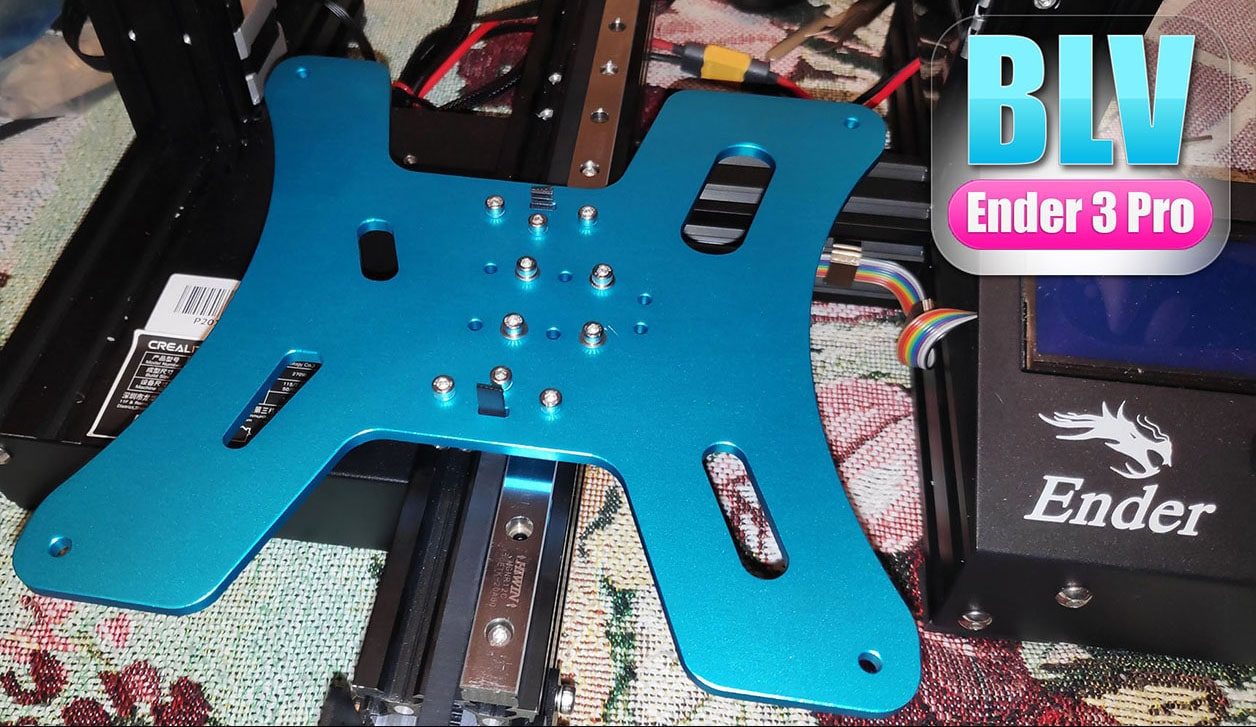
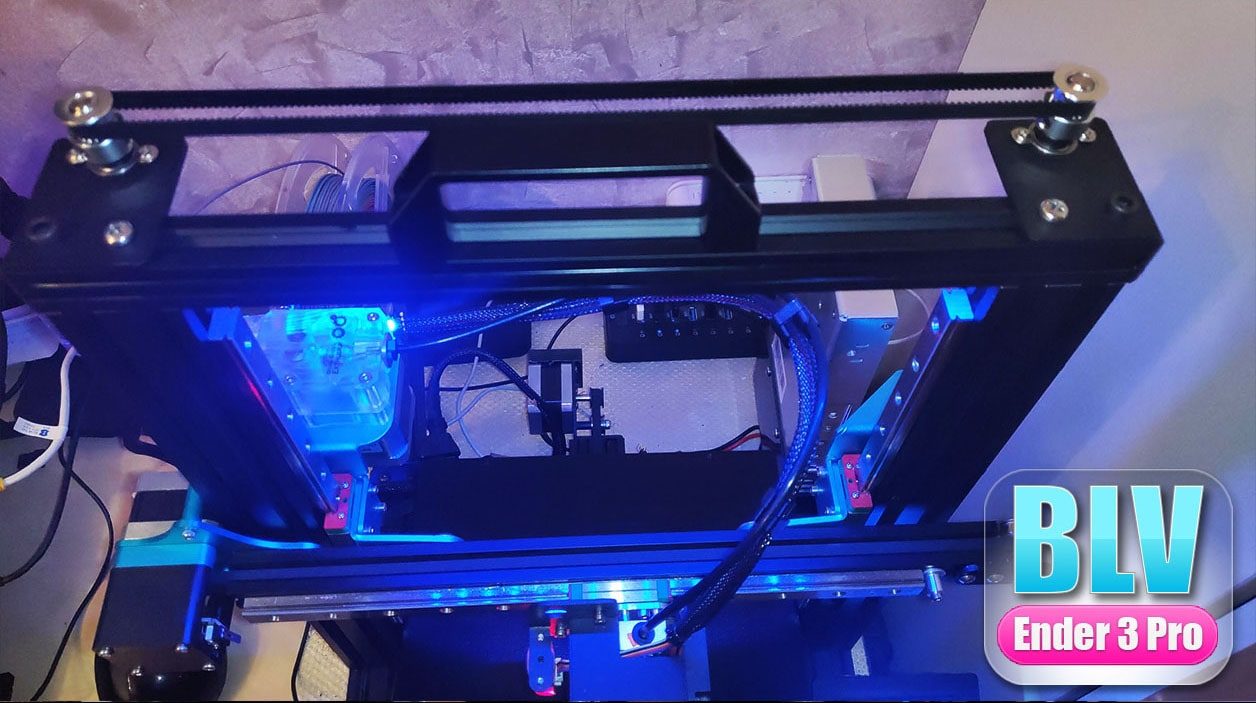
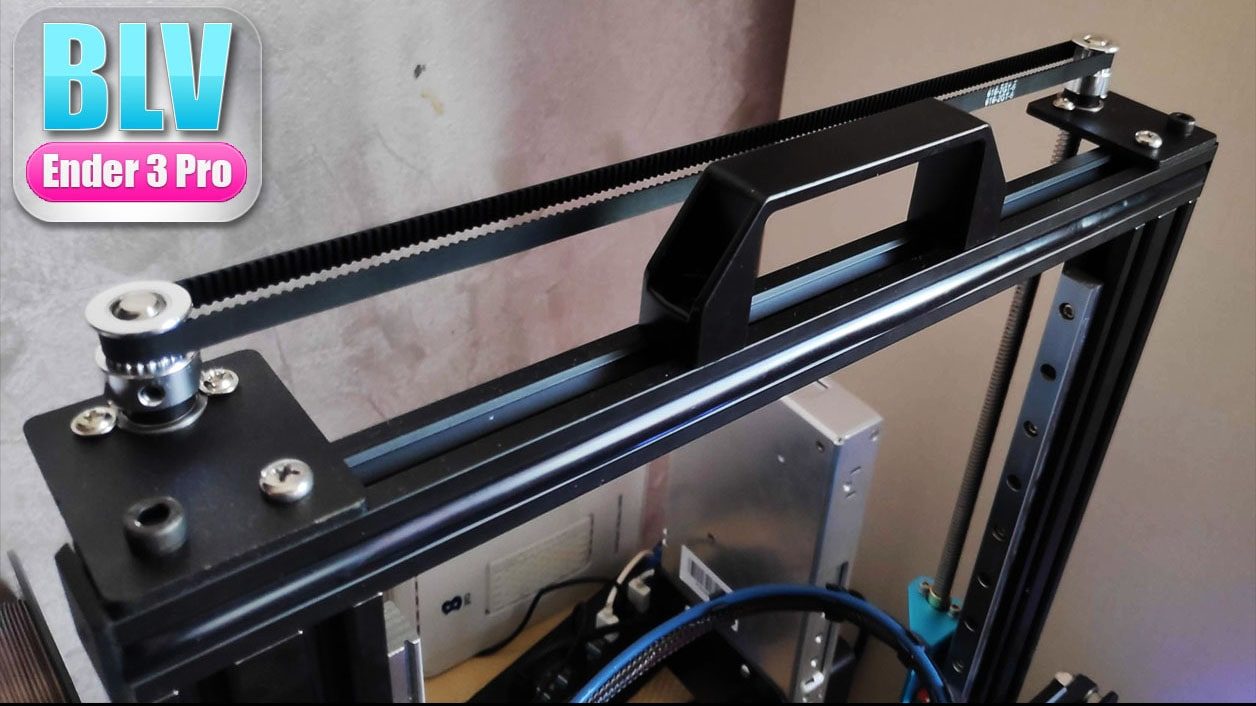
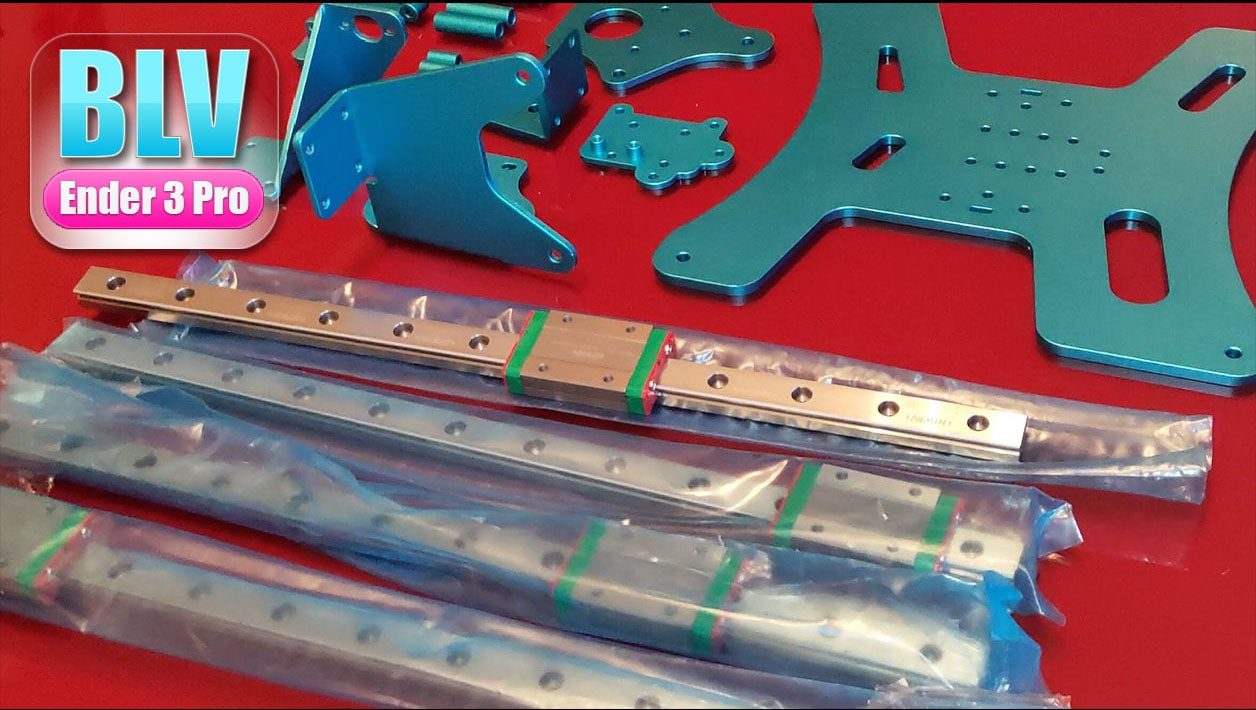
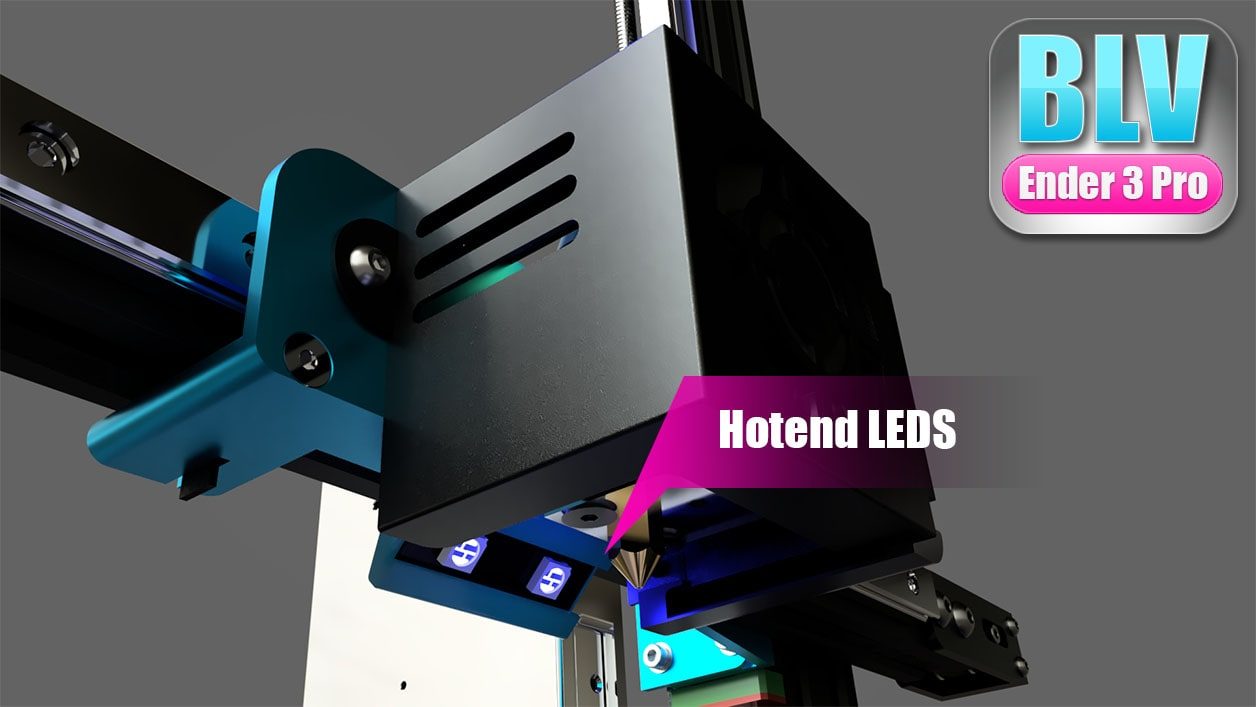
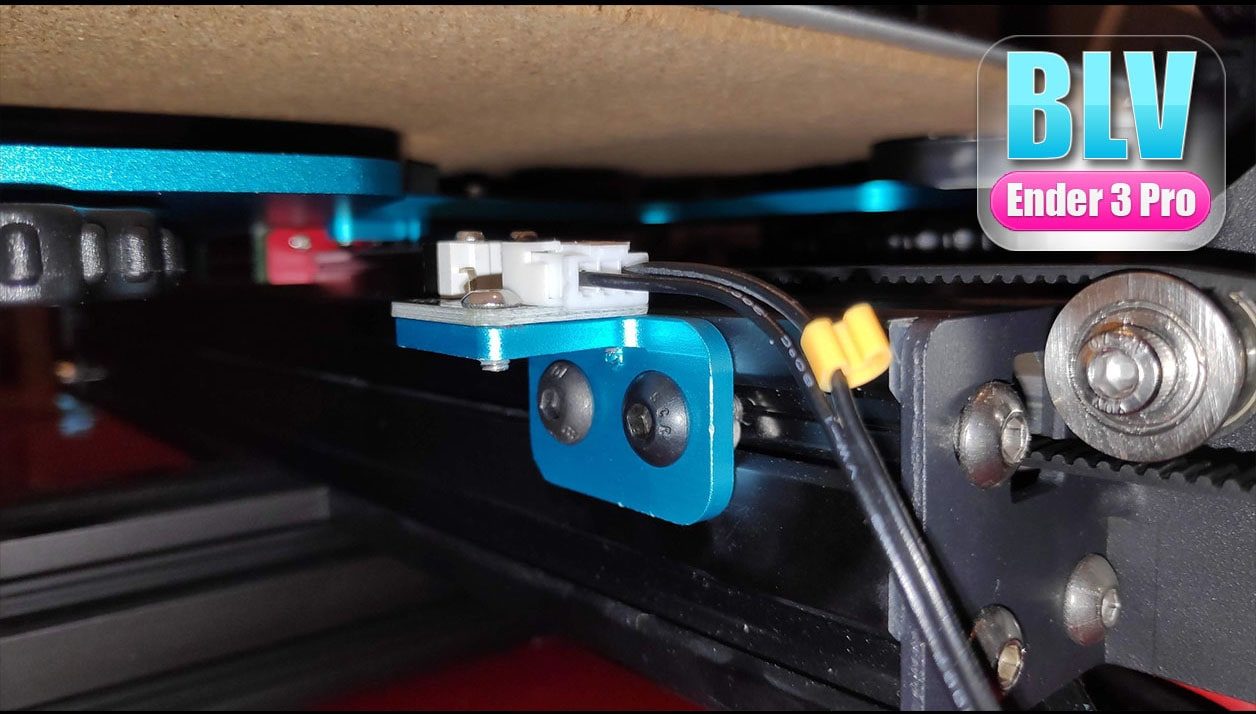
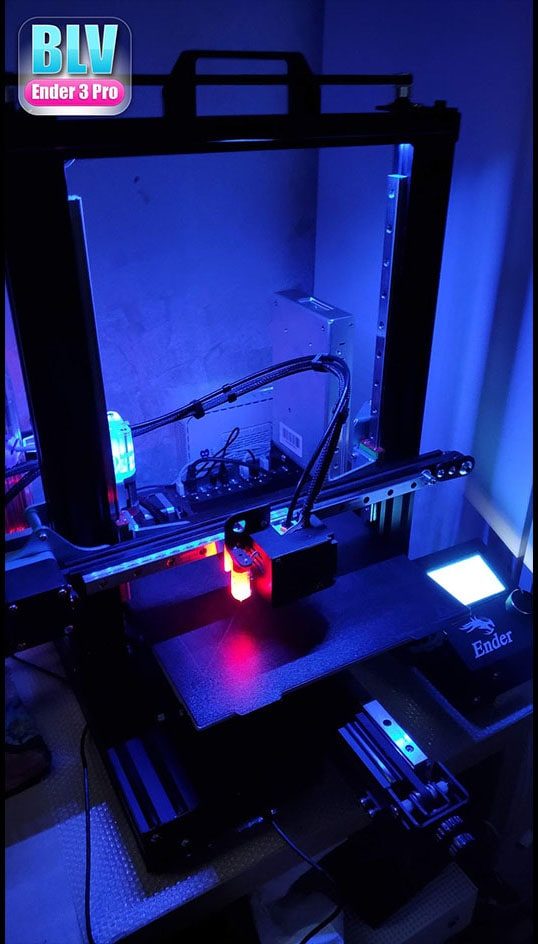
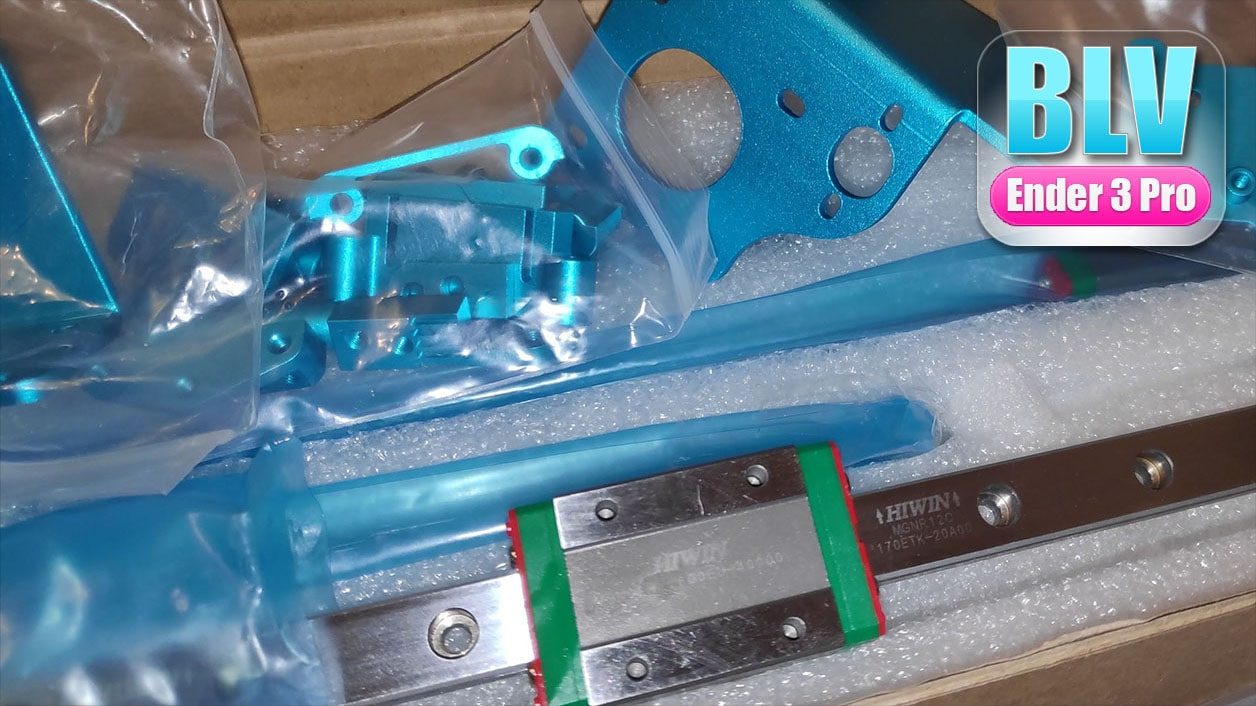
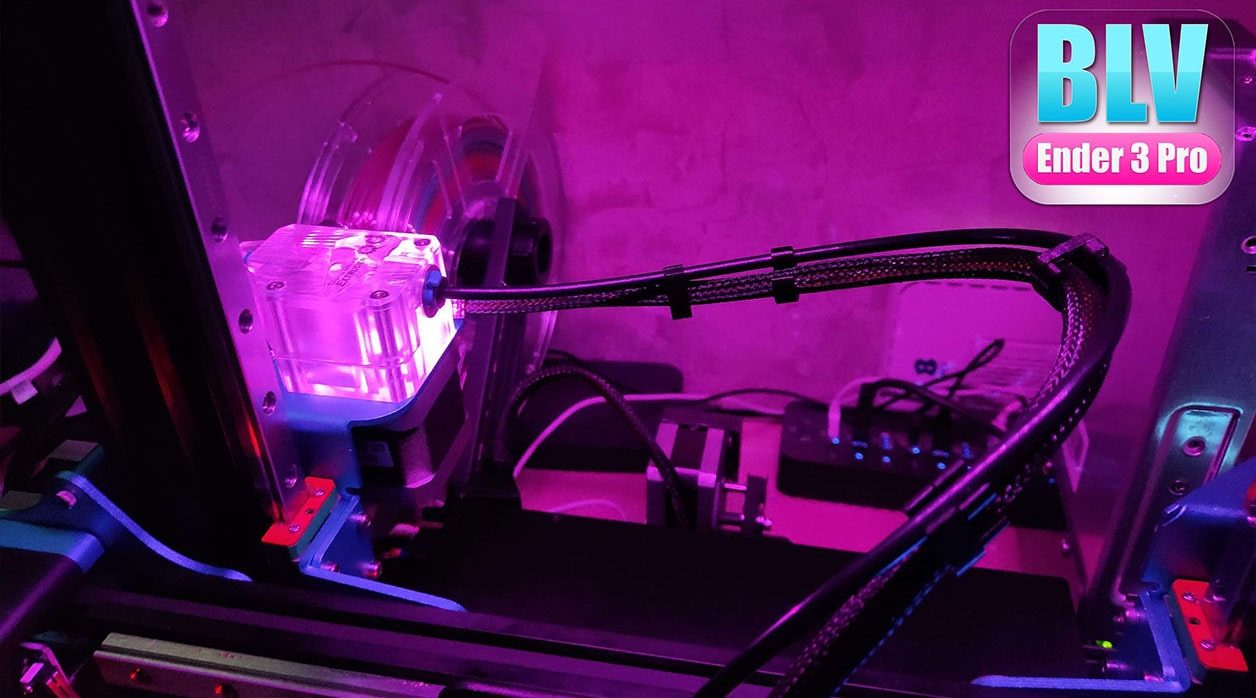
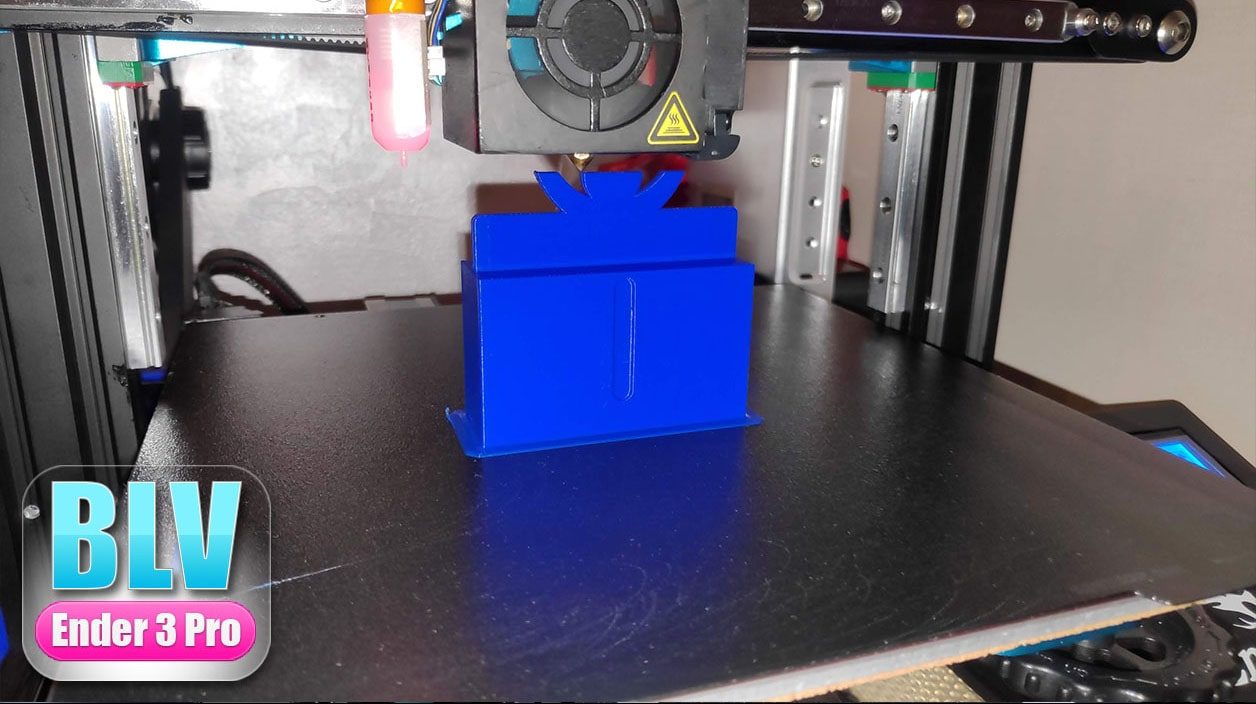
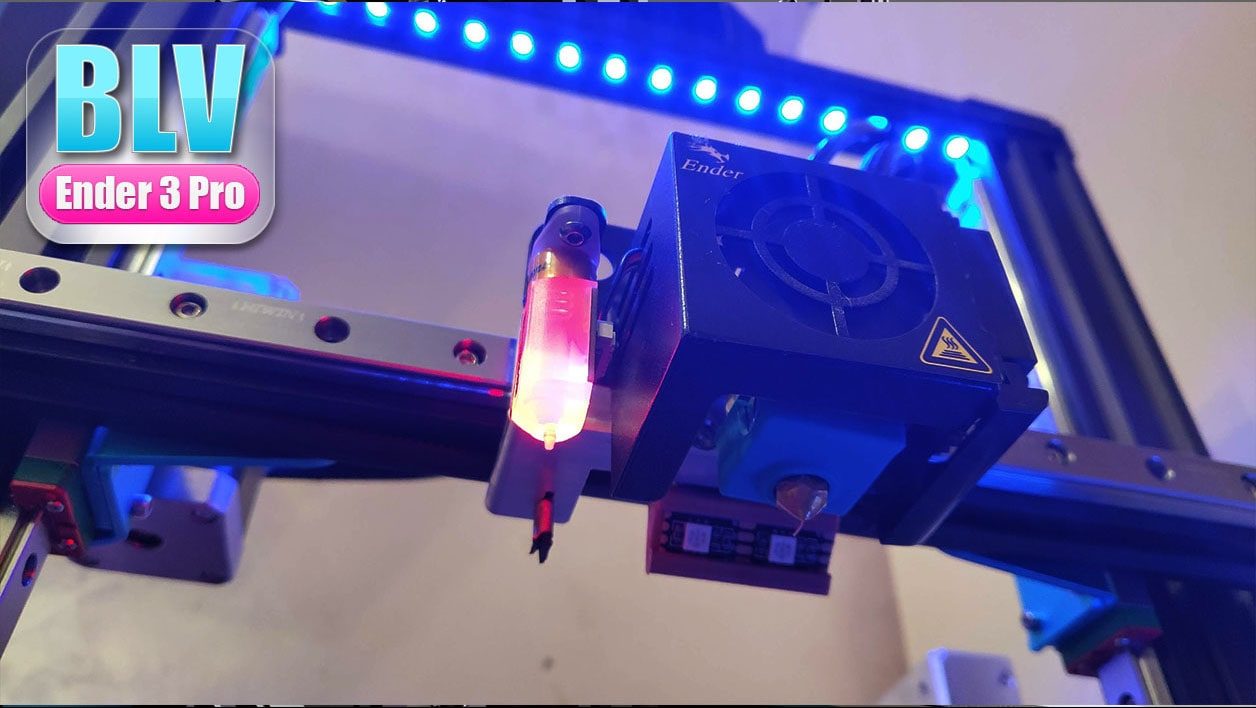
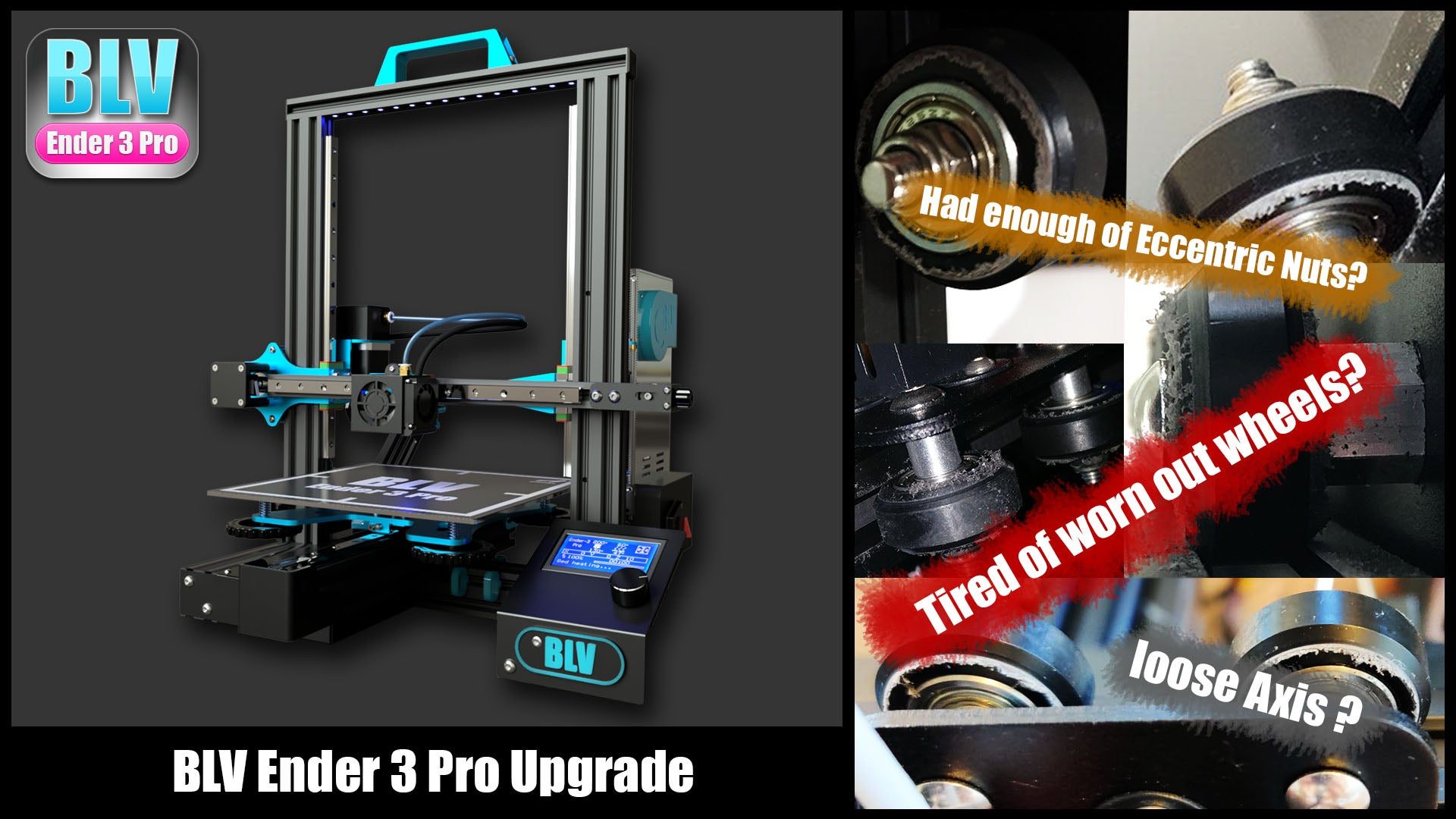
The BLV Ender 3 Pro is an upgrade project for the popular Ender 3 Pro 3D printer. It replaces the printed and wheel-based parts with all-aluminum parts, MGN12 linear rails and a BMG dual drive extruder, for better accuracy, efficiency and print quality.
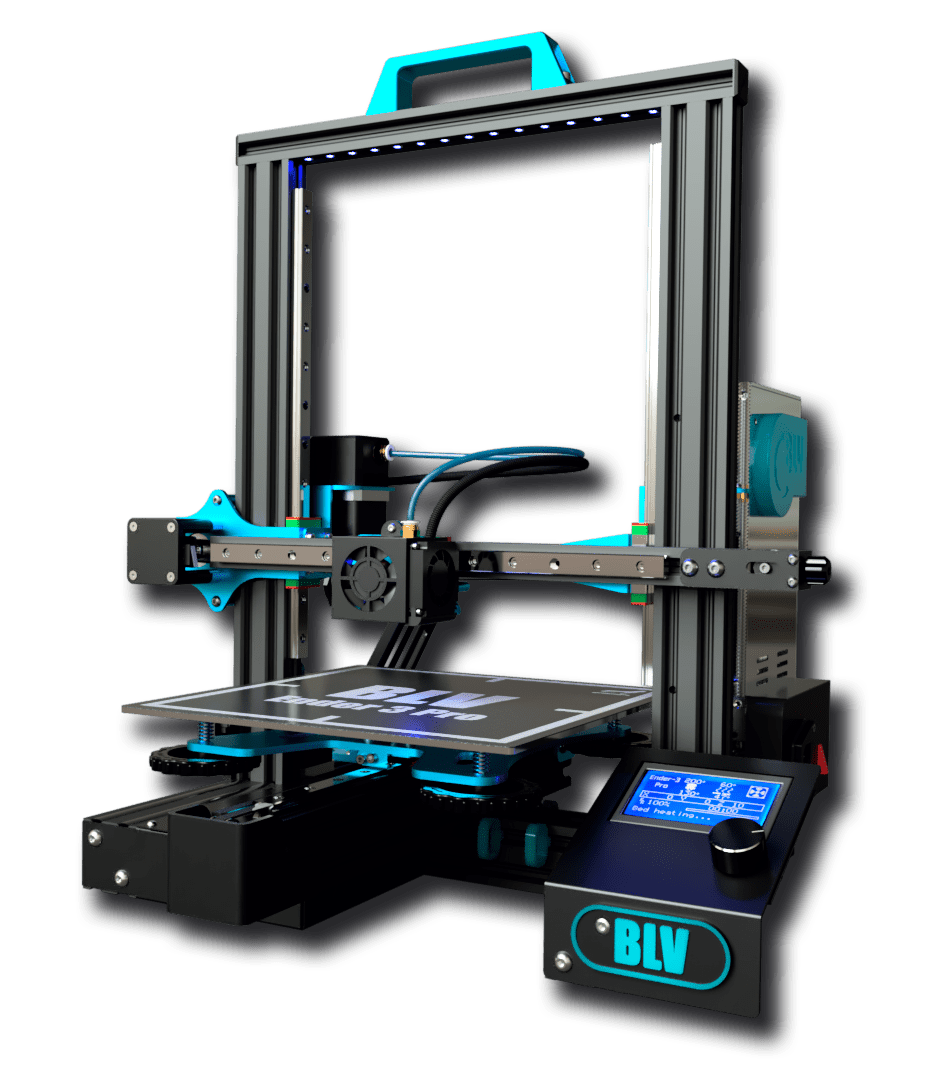
Kits are no longer sold
The ready-made BLV Ender 3 Pro aluminum kits are no longer available. The drawings and files are still here, so the parts can be made by a CNC service for personal use.
Why build it
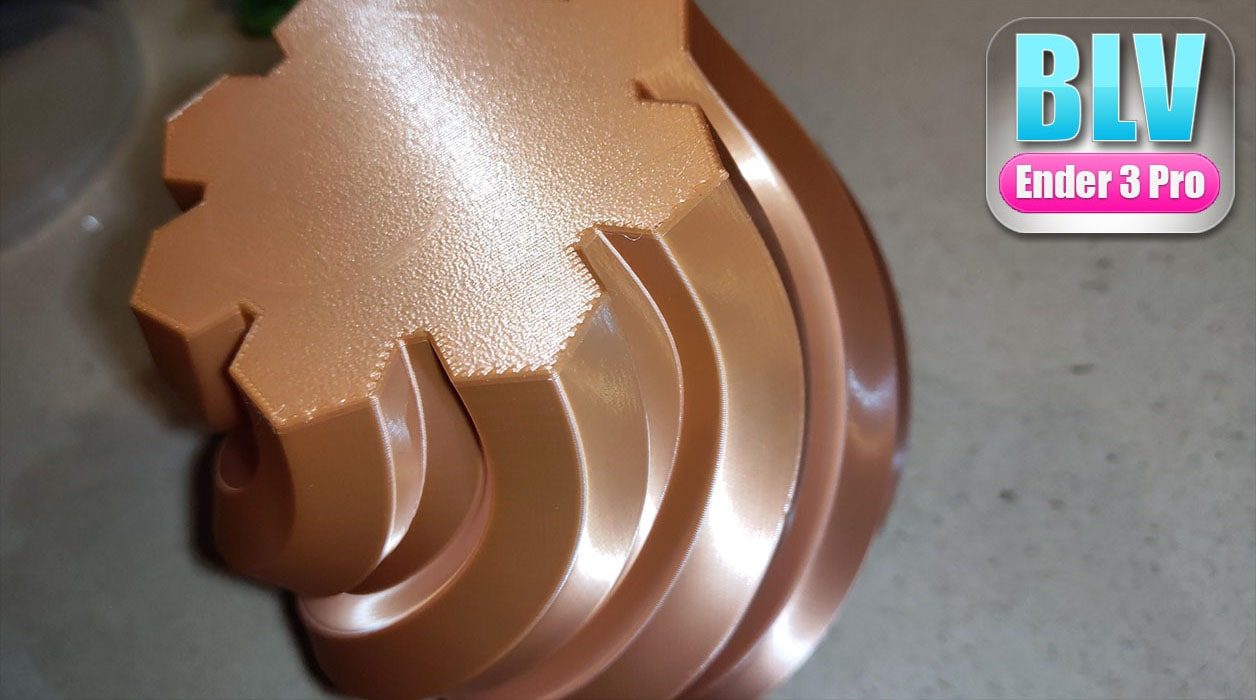
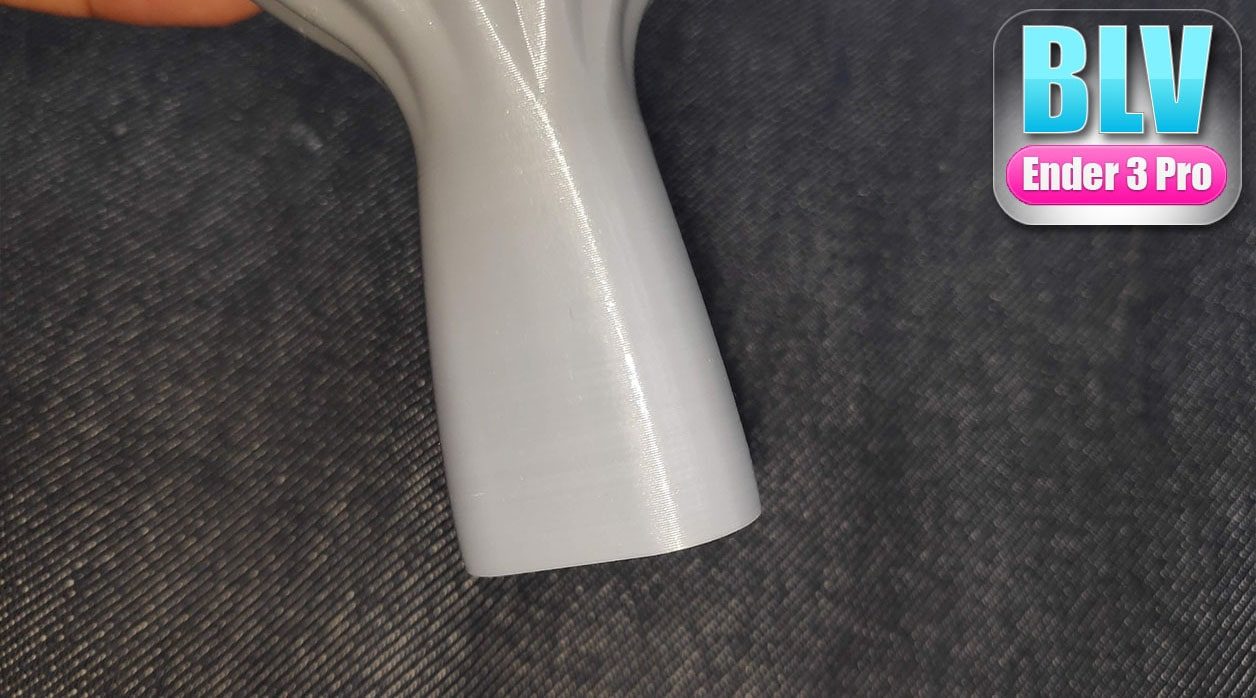
- Fast, reliable, accurate. Low and mid range printers usually move on linear bearings or Delrin wheels because they are cheap, and the price is accuracy and reliability. MGN linear rails are stiffer, more precise and smoother, so prints are faster without losing quality. That is why high-end printers use them. If you are tired of worn POM wheels that need constant tightening, this upgrade is for you.
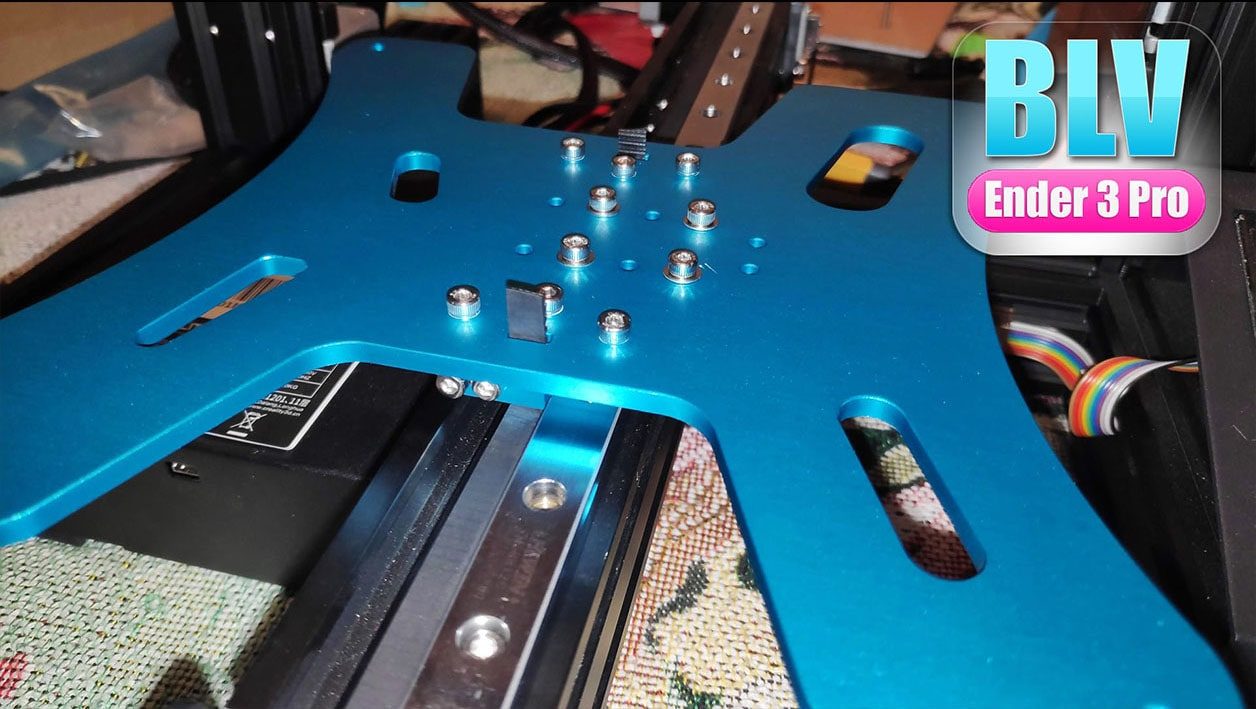
- Rigid parts. This project takes a different path from the earlier ones. Printed parts flex a little, so CNC machined aluminum parts replace them. To test the difference I logged a dial indicator to a database on my PC. After more than 2000 measuring loops of uniformity and deviation, the aluminum parts gave clearly better results than printed parts.
- Accessible. CNC parts are usually expensive. To keep the cost down, the design was offered free for commercial use with my permission. Design time (more than 200 hours here) is a large part of the price of such parts, so manufacturers could sell the kit for less. While it was on sale, 4 aluminum parts typically sold for $30 or more on AliExpress, and this kit had 16 pieces for $59, including belts, screws and shipping. Other aluminum and rail kits cost $300 or more.
- Open source. Why give the work away? I learned everything I know about 3D printing from this community, and the BLV projects are my way of giving back. The same idea is behind the BLV mgn Cube and the BLV Anet mod. When the FDM patent expired, open sharing of knowledge is what built everything we have now. Imagine if everyone had kept their findings to themselves.
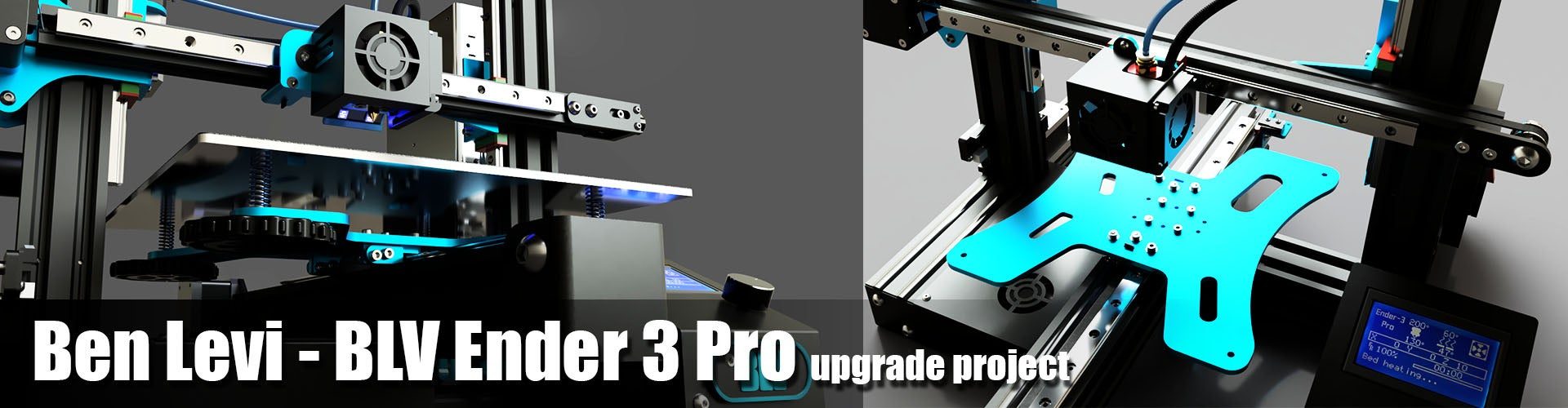
The upgrade was tested for over 700 hours of printing before release.
Where to start
- Prepare. Read the project description, watch the 3D animation videos and make sure you understand the structure.
- Get the parts. Order everything in the BOM, plus spare T-nuts and screws, and prepare the tools.
- Build. A precise frame is the basis of good prints, and several YouTube videos show how to align the Ender 3 Pro frame. Use the printed jigs when installing the MGN rails, they make the assembly much easier. Take your time fixing the rails to the extrusions. This short video by 3D Distributed shows an easy way to align parallel rails.
-
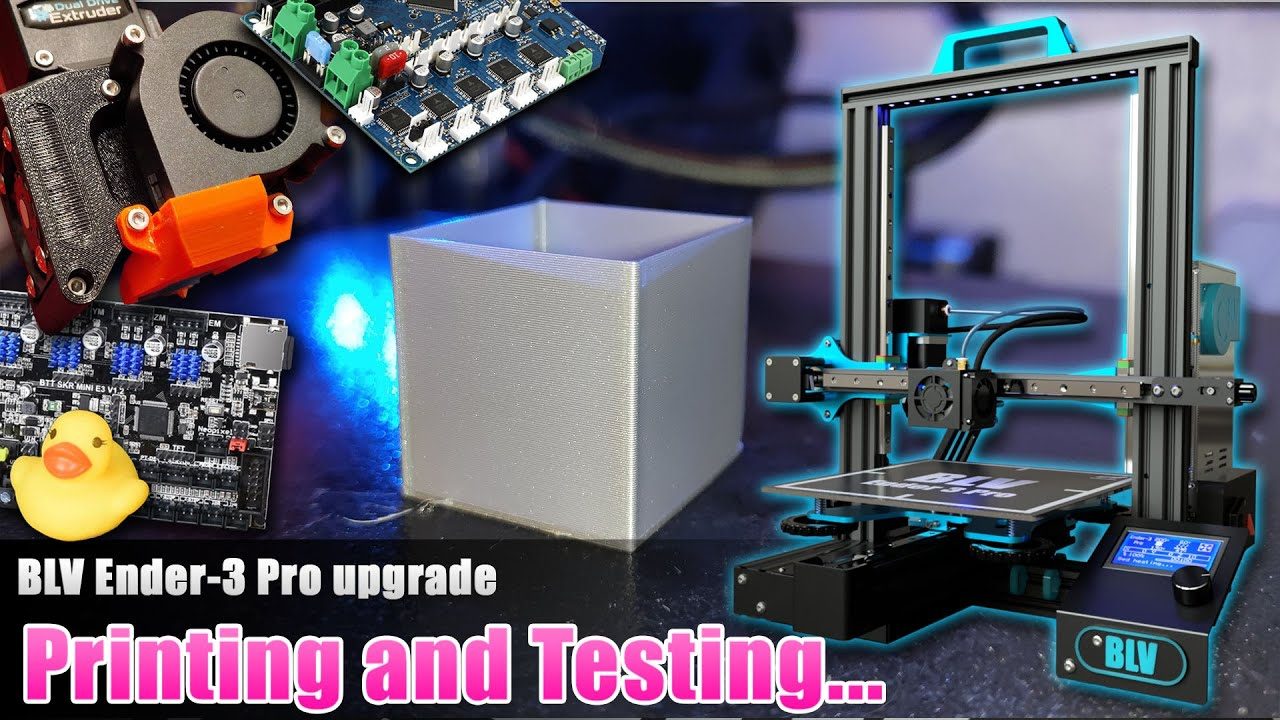
Install the electronics. For the SKR Mini E3 V1.2 board there is a good YouTube installation guide. The Duet WiFi 1.04 board is also an option.
-
Software, tests and calibration. This step needs some experience, or one of the many YouTube guides on calibrating the Ender 3 Pro. I recommend a fresh Marlin build instead of the original firmware. Don't skip: wiring and endstop check, firmware update, extruder and feed rate calibration, hotend and bed PID, and the probe Z offset.
- Print and maintain. Grease the rails with white lithium grease or light sewing machine oil. Keep the rails clean and the belts tight. Clean the PEI plate with alcohol after every print, and lightly scuff new sheets with brass wool.
- Share your build. Post an "I made one" photo. Knowing the project helped you makes all the hours worth it.
- Remix and share. The source file is included so you can improve the design. Please share your remixes with the community.
- Commercial use. Read the legal license first.
Requirements
An Ender 3 Pro (the Pro version only, its 4040 Y extrusion is part of the design), the aluminum upgrade parts from the BOM, basic technical skills and a few free evenings.
Gallery and videos